Try a light re-encode
It preserves geometry, but may save little or nothing when the source is already efficient.
Try Light compression →
Compression is only one lever. We compared resizing, cropping, color reduction, and fewer frames across 32 recorded/tested states from four original GIFs—then mapped each trade-off to the right tool.
If the GIF will be displayed smaller, resizing usually gives a predictable reduction. If the edges contain expendable space, crop first. Use stronger compression only when you can accept lower dimensions, fewer frames, or more visible texture loss. In our already-efficient samples, Light compression saved effectively nothing—proof that a preset cannot guarantee a smaller file.
Start with the requirement that matters most. The best method is the one that removes data you do not need.
It preserves geometry, but may save little or nothing when the source is already efficient.
Try Light compression →At 50% width and height, our four samples saved 52.2% to 65.7% while keeping frame count and duration.
Resize a GIF →Crop only expendable edges. Savings varied from 11.3% to 41.0% because the removed regions had different complexity.
Crop a GIF →Strong compression saved 65.8% to 69.7% in this set, but also reduced dimensions and halved the frame count.
Compare compression levels →Every frame has a pixel grid. Cutting both width and height to 50% leaves one quarter as many pixel positions per full frame.
More frames can produce smoother motion, but each frame adds image data and timing information.
Texture, gradients, noise, and large moving regions are harder to represent compactly than flat, repeated shapes.
GIF uses indexed color. Reducing colors can help, but may introduce banding or dithering in photographic material.
An animation where most pixels change from frame to frame usually needs more data than one with a small moving element.
Each pair uses the same original animation. Strong outputs are shown at the same visual card size, so check the labels for their actual dimensions and frame counts.
Simple shapes, a small palette, and moving interface elements.
 Original · 116.32 KB · 800×450 · 40 frames
 Strong · 39.38 KB · 560×315 · 20 frames
Gradients, deterministic texture, and a moving foreground object.
 Original · 2.13 MB · 640×360 · 50 frames
 Strong · 659.52 KB · 448×252 · 25 frames
A moving transparent-background sticker with hard graphic edges.
 Original · 54.18 KB · 512×512 · 30 frames
 Strong · 18.54 KB · 358×358 · 15 frames
Fine rules, document-like text lines, and a moving cursor.
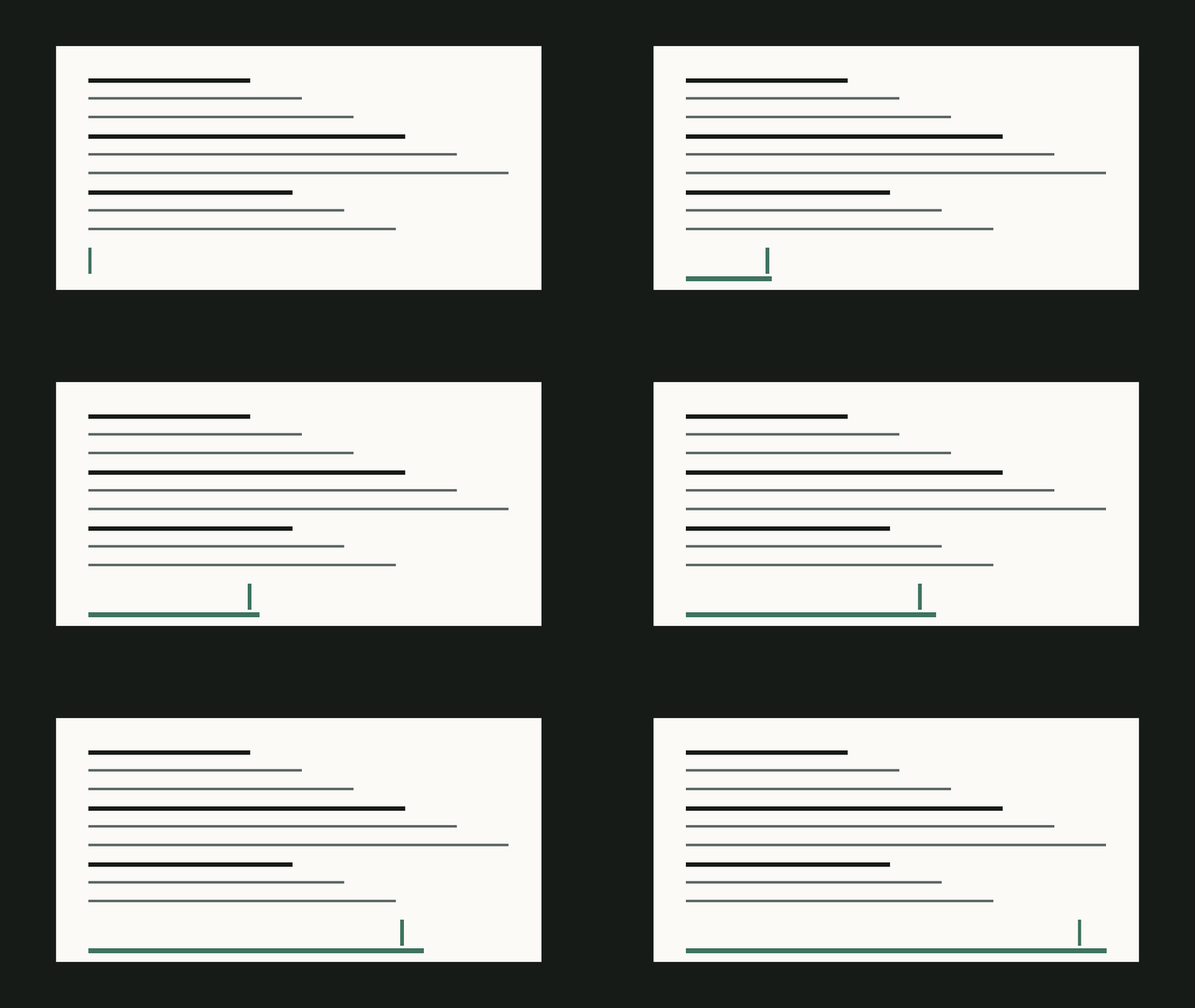 Original · 181.85 KB · 960×540 · 60 frames
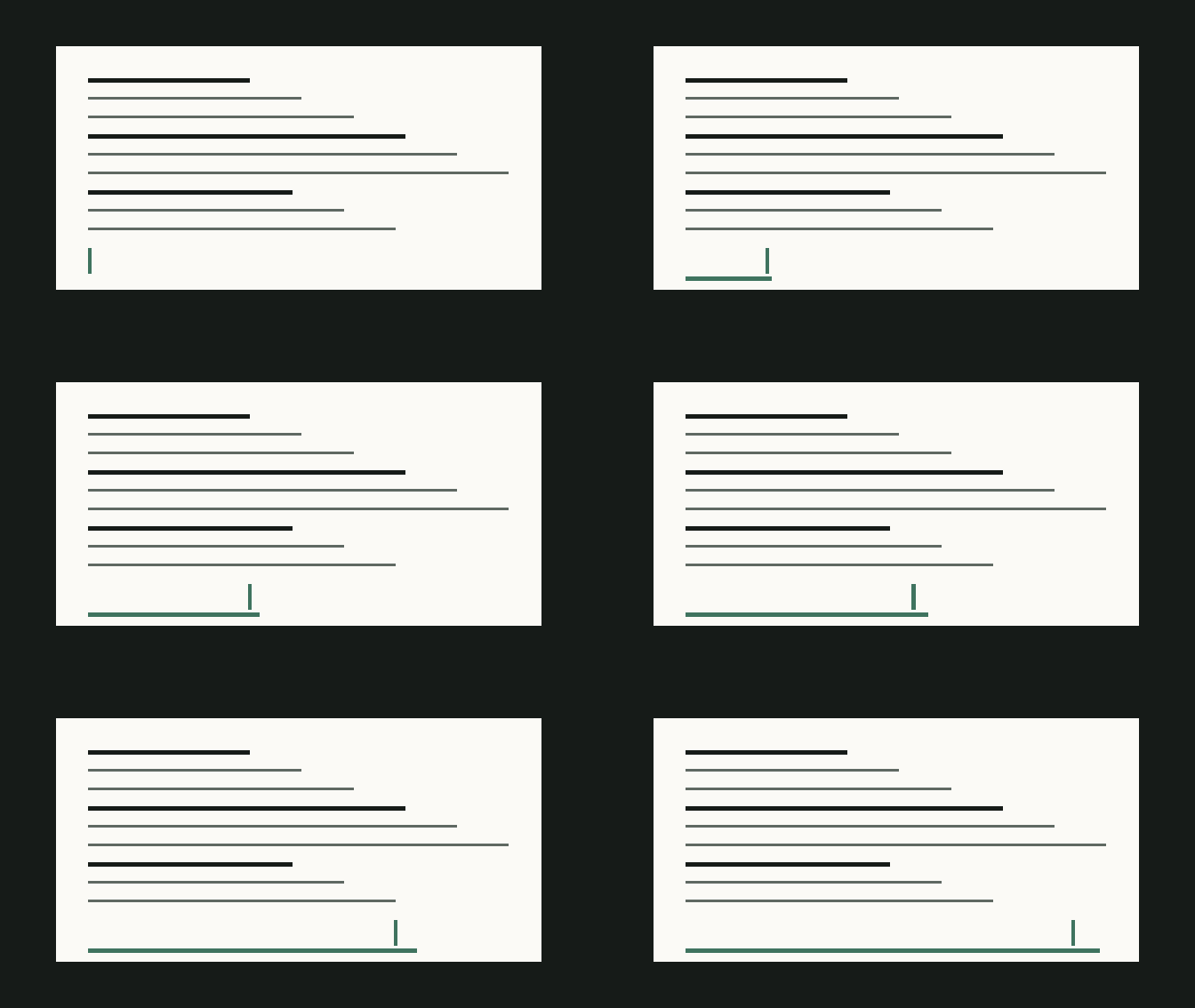 Strong · 61.38 KB · 672×378 · 30 frames
Percentages compare each output with its own original. These results describe this fixed test set, not a guaranteed rate for every GIF.
| Sample | Method | Setting | File size | Saved | Dimensions | Frames |
|---|---|---|---|---|---|---|
| GIF-UI | Original | Original | 116.32 KB | — | 800×450 | 40 |
| GIF-UI | Compress | Light | 116.32 KB | 0.0% | 800×450 | 40 |
| GIF-UI | Compress | Balanced | 97.45 KB | 16.2% | 680×383 | 40 |
| GIF-UI | Compress | Strong | 39.38 KB | 66.2% | 560×315 | 20 |
| GIF-UI | Resize | 75% | 84.72 KB | 27.2% | 600×338 | 40 |
| GIF-UI | Resize | 50% | 55.24 KB | 52.5% | 400×225 | 40 |
| GIF-UI | Crop | 10% per edge | 101.68 KB | 12.6% | 640×360 | 40 |
| GIF-UI | Combined | Crop → 50% → Balanced | 40.79 KB | 64.9% | 272×153 | 40 |
| GIF-PHOTO | Original | Original | 2.13 MB | — | 640×360 | 50 |
| GIF-PHOTO | Compress | Light | 2.13 MB | 0.0% | 640×360 | 50 |
| GIF-PHOTO | Compress | Balanced | 2.06 MB | 3.1% | 544×306 | 50 |
| GIF-PHOTO | Compress | Strong | 659.52 KB | 69.7% | 448×252 | 25 |
| GIF-PHOTO | Resize | 75% | 1.73 MB | 18.4% | 480×270 | 50 |
| GIF-PHOTO | Resize | 50% | 746.56 KB | 65.7% | 320×180 | 50 |
| GIF-PHOTO | Crop | 10% per edge | 1.42 MB | 33.3% | 512×288 | 50 |
| GIF-PHOTO | Combined | Crop → 50% → Balanced | 396.92 KB | 81.8% | 218×122 | 50 |
| GIF-STICKER | Original | Original | 54.18 KB | — | 512×512 | 30 |
| GIF-STICKER | Compress | Light | 54.18 KB | 0.0% | 512×512 | 30 |
| GIF-STICKER | Compress | Balanced | 45.62 KB | 15.8% | 435×435 | 30 |
| GIF-STICKER | Compress | Strong | 18.54 KB | 65.8% | 358×358 | 15 |
| GIF-STICKER | Resize | 75% | 39.94 KB | 26.3% | 384×384 | 30 |
| GIF-STICKER | Resize | 50% | 25.92 KB | 52.2% | 256×256 | 30 |
| GIF-STICKER | Crop | 10% per edge | 48.07 KB | 11.3% | 410×410 | 30 |
| GIF-STICKER | Combined | Crop → 50% → Balanced | 19.64 KB | 63.7% | 174×174 | 30 |
| GIF-TEXT | Original | Original | 181.85 KB | — | 960×540 | 60 |
| GIF-TEXT | Compress | Light | 181.85 KB | 0.0% | 960×540 | 60 |
| GIF-TEXT | Compress | Balanced | 150.18 KB | 17.4% | 816×459 | 60 |
| GIF-TEXT | Compress | Strong | 61.38 KB | 66.2% | 672×378 | 30 |
| GIF-TEXT | Resize | 75% | 132.23 KB | 27.3% | 720×405 | 60 |
| GIF-TEXT | Resize | 50% | 85.76 KB | 52.8% | 480×270 | 60 |
| GIF-TEXT | Crop | 10% per edge | 107.23 KB | 41.0% | 768×432 | 60 |
| GIF-TEXT | Combined | Crop → 50% → Balanced | 43.45 KB | 76.1% | 326×184 | 60 |
Method: Four project-owned GIFs were processed by the current Tanumi GIF worker. Every output was decoded independently with ffprobe. Light outputs kept dimensions and frame count and scored 0.999999–1.0 SSIM against the originals. Geometry-changing outputs were reviewed at their intended display size instead of being ranked with cross-size SSIM.
When more than one change is acceptable, use the least destructive order.
Do not crop important action merely to chase a percentage. Cropping works best when the perimeter is genuinely unused.
A 960-pixel GIF displayed at 480 pixels spends bytes on detail the viewer will not see.
Inspect fine text, gradients, motion, and transparent edges. Move stronger only if the output still misses your limit.